
Funny gaming GIFs are the universal language of gamer humor. A three-second loop of a character faceplanting off a cliff, a victory dance gone wrong, or a perfectly timed rage quit says more than a paragraph ever could. They live in Discord chats, Twitch streams, group texts, and comment sections — anywhere gamers talk, GIFs do the talking.
This guide covers everything about funny gaming GIFs: what makes a gaming GIF funny, where to find the best ones, how to use them like a native, how to make your own from your gameplay clips, and the etiquette that keeps your GIF game strong. Whether you are a meme veteran or someone who just learned what a GIF is, you will leave with a sharper reaction library.
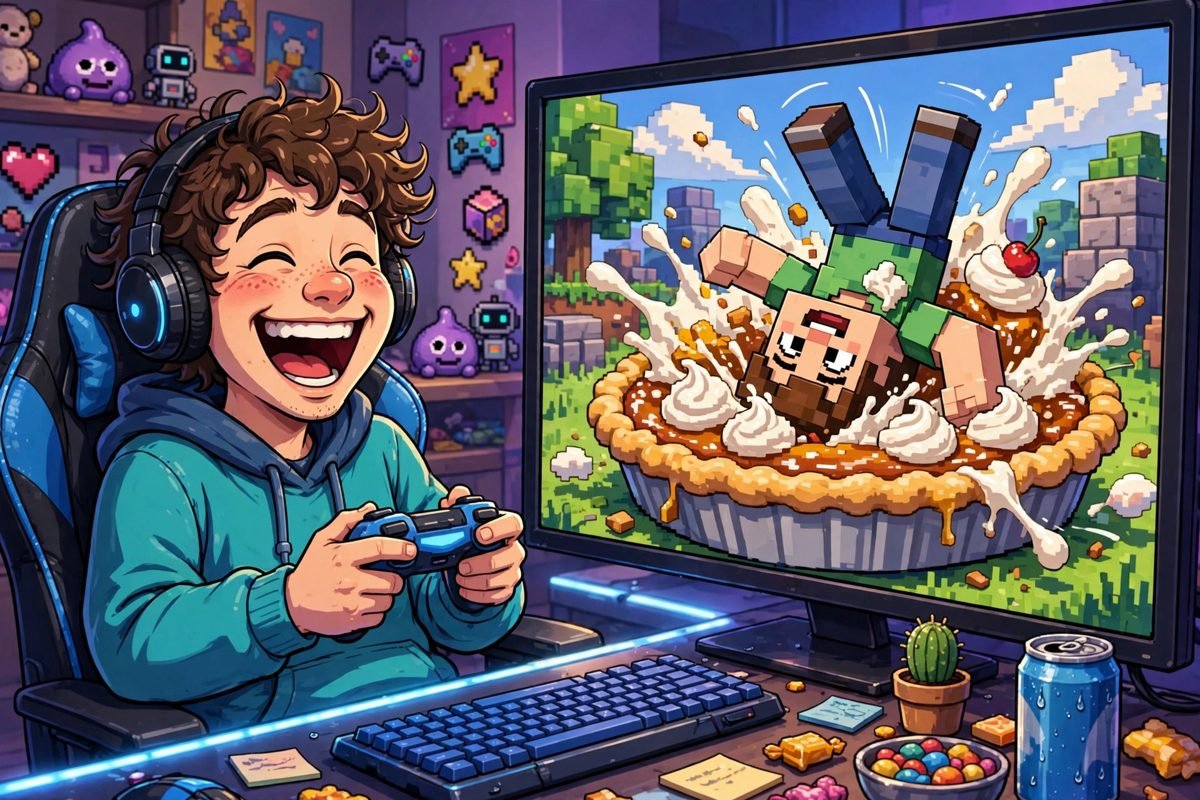
What Makes a Gaming GIF Funny?
Not every game clip becomes a classic GIF. The funniest gaming GIFs share a few traits:
- Relatability: The best GIFs capture moments every gamer has lived — the missed jump, the teammate who betrays you, the boss that one-shots you at 1% health. You laugh because it happened to you last Tuesday.
- Perfect looping: A great GIF loops seamlessly, so the fail or the dance repeats forever. The loop is the joke — watching the same glorious disaster on infinite repeat.
- Exaggeration: Physics glitches, ragdoll bodies flying across the map, characters clipping through walls. Games breaking in spectacular ways are comedy gold.
- Timing: The punchline lands in under three seconds. A GIF that needs setup is a video, not a GIF.
The all-time greats of the genre — the epic fail compilations, the victory royale dances, the rage-quit meltdowns — all follow this formula. Relatable moment, tight loop, maximum exaggeration.
Where to Find the Best Funny Gaming GIFs
The internet’s funny gaming GIFs live in a few key places. Here is the lay of the land:
Giphy and Tenor
Giphy and Tenor are the two giant GIF search engines, and both are built directly into Discord, Slack, WhatsApp, and most phone keyboards. Search “gaming fail,” “victory dance,” or a specific game title and you will get thousands of options. Tenor powers Google’s GIF search and most Android keyboards; Giphy powers iOS and Discord. Between them, they cover nearly everything.
Imgflip
Imgflip is a meme-and-GIF community where gamers upload reaction GIFs, many made with its built-in video-to-GIF maker. Its gaming streams are full of live-reaction GIFs, meme edits, and community favorites. It is less polished than Giphy but more authentic — the GIFs here come straight from players, not marketing teams.
Subreddits like r/gaming, r/GamePhysics, and game-specific communities are endless sources of fresh, funny gaming clips. The upvote system does the curation for you: the funniest moments rise to the top. Many legendary GIFs started as Reddit clips before spreading everywhere else.
Twitch clips and stream highlights
Some of the funniest gaming GIFs are born live on Twitch — a streamer’s reaction to a clutch play, a hilarious misfire, a chat-triggered disaster. Twitch’s clip system lets anyone capture the moment, and the best clips get converted into GIFs within hours.
Original insight: the half-life of a gaming GIF
Here is something most GIF guides miss: gaming GIFs have a shelf life. A GIF from a brand-new game’s launch week is peak funny for about a month, then it fades as the meme moves on. Evergreen GIFs — the universal fails, the timeless rage reactions — stay funny for years. If you want a reaction library that lasts, stock it with evergreen moments, not launch-week memes. Your future self, still using the same “press F” GIF in 2030, will thank you.
How to Use Funny Gaming GIFs Like a Native
Using GIFs well is a social skill. The rules are unwritten but strict:
Match the moment
The golden rule: the GIF must match the conversation. Someone shares a clutch victory? Drop the celebration GIF. Someone describes a fail? The faceplant GIF. A random GIF with no connection to the chat is just noise — the humor comes from the perfect fit.
One GIF is a reaction; five is spam
restraint is everything. A single well-timed GIF gets laughs; a barrage gets you muted. In group chats, one GIF per moment is the limit. In streams, read the room — if the chat is already GIF-bombing, join in; if it is a serious discussion, keep your library holstered.
Know your audience
Inside jokes hit hardest with friends and fall flat with strangers. The obscure GIF from your squad’s last raid night is hilarious in your Discord and baffling in a public server. Universal GIFs — the classics everyone recognizes — are the safe play with new people.
Timing beats selection
A mediocre GIF sent instantly beats the perfect GIF sent ten minutes later. Comedy is timing, and chat moves fast. Favorite your go-to reactions so you can fire them in seconds — most keyboards and Discord let you save favorites for exactly this reason.
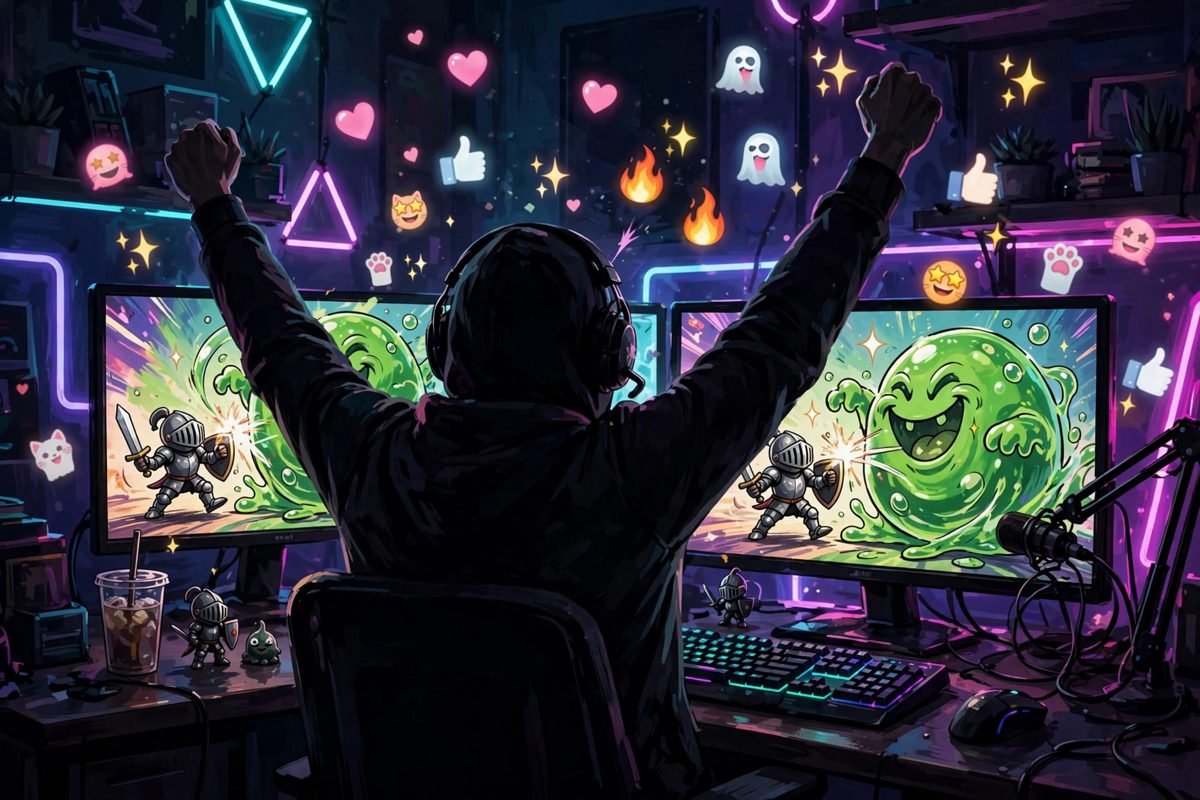
How to Make Your Own Funny Gaming GIFs
The best funny gaming GIFs are the ones you make yourself — your own fails, your own victories, your own squad’s inside jokes. Making them is easier than ever:
- Capture the clip: On PC, use the built-in capture (Windows Game Bar, NVIDIA ShadowPlay, OBS). On console, the share button saves the last 30–60 seconds. On mobile, screen-record the moment.
- Trim ruthlessly: A GIF should be 2–5 seconds. Cut everything before the setup and after the punchline. If it needs more than five seconds, it is a video — post it as a clip instead.
- Convert to GIF: Upload the clip to Giphy, Imgflip’s video-to-GIF maker, or Ezgif. These tools convert, compress, and let you add captions.
- Caption it: Text on a GIF (top text / bottom text) turns a funny clip into a meme. Keep captions short — five words or fewer.
- Optimize the size: Keep GIFs under a few megabytes so they load fast in chats. Lower the frame rate or resolution if the file is too big — a slightly choppy GIF beats one that never loads.
Pro tip: the funniest personal GIFs come from your failures, not your victories. Nobody shares your flawless win — everyone shares the moment you blew yourself up with your own grenade. Save your fails. They are content.
The Anatomy of Classic Funny Gaming GIF Categories
Gaming GIF culture has its own genres. Knowing them helps you find — and use — the right one:
- Epic fails: Missed jumps, self-inflicted explosions, walking off cliffs while typing. The bread and butter of gaming humor.
- Victory celebrations: Character dances, teabagging (the controversial classic), over-the-top emotes after a clutch win.
- Rage reactions: Controllers thrown, keyboards smashed, streamers screaming. Funny to watch, expensive to live.
- Glitch comedy: Physics engines breaking — characters stretching, vehicles launching into orbit, NPCs walking into walls forever.
- Wholesome wins: The underdog comeback, the kind stranger who revives you, the toddler’s first victory. Gaming GIFs are not all schadenfreude.
- Reaction faces: Streamer and character expressions — the shocked face, the slow nod, the facepalm — used as pure reactions to anything.
GIF Etiquette: The Unwritten Rules
Every community has GIF norms, and breaking them marks you as an outsider. The universal rules:
- No spoilers: Never GIF a story moment, plot twist, or ending. A GIF of a boss’s death animation can ruin a game for someone.
- Respect the NSFW line: Keep it clean in public servers. What is funny in your private group chat can get you banned in a community Discord.
- Credit creators: If you know who made a GIF — a streamer, an artist, a clipper — credit them when sharing in creative communities.
- Do not steal and rebrand: Downloading someone’s watermarked GIF, cropping out the credit, and reposting it as yours is the fastest way to lose respect in meme communities.
- Accessibility matters: Flashing GIFs can trigger photosensitive epilepsy. Most platforms let you mark sensitive content — use it for strobing or rapidly flashing GIFs.
Funny Gaming GIFs FAQ
Where can I find funny gaming GIFs?
Giphy and Tenor (built into most chat apps), Imgflip’s gaming community, Reddit’s gaming subreddits, and Twitch clips are the best sources for funny gaming GIFs.
How do I make a GIF from my gameplay?
Capture the clip with your platform’s built-in recorder, trim it to 2–5 seconds, and convert it with Giphy, Imgflip’s video-to-GIF maker, or Ezgif. Add a short caption and keep the file size small.
What is the difference between a GIF and a video clip?
GIFs are short, silent, looping animations — usually under five seconds. Longer clips with sound are videos. Many “GIFs” shared today are technically short MP4/WebM videos, but the name stuck.
Why do gamers use GIFs so much?
GIFs convey reactions and shared experiences faster than text. A well-chosen gaming GIF says “I’ve been there too” in three seconds — it is social bonding through shared suffering and triumph.
Are gaming GIFs copyrighted?
Game footage is technically the publisher’s copyright, but short GIFs used for commentary, reaction, and memes generally fall under fair use in most jurisdictions. Reuploading entire cutscenes is different from sharing a three-second fail — keep it short and transformative.
Conclusion
Funny gaming GIFs are more than jokes — they are the shared memory of gaming culture, three seconds at a time. Find your favorites on Giphy, Tenor, and Imgflip, use them with timing and restraint, make your own from your best (and worst) moments, and respect the etiquette that keeps communities fun. The perfect GIF, sent at the perfect moment, is one of gaming’s purest joys.
For the technical story of the format itself, see Wikipedia’s GIF format page. And if your GIF habit leans toward the visual-comedy side of gaming, our funny Minecraft skins collection will keep the laughs going. Now go forth and react — preferably with impeccable timing.